- Kotlin 100%
 firebadnofire
e26aed808d
firebadnofire
e26aed808d
All checks were successful
Release APK / release (push) Successful in 3m19s
|
||
|---|---|---|
| .forgejo | ||
| .idea | ||
| app | ||
| gradle | ||
| icons | ||
| README-assets | ||
| .gitignore | ||
| build.gradle.kts | ||
| gradle.properties | ||
| gradlew | ||
| gradlew.bat | ||
| LICENSE | ||
| README.md | ||
| settings.gradle.kts | ||
Trapmaster
Trapmaster is an Android app for tracking trap shooting rounds on the range. It focuses on fast shot entry, clear score summaries, and portable data management so you can review past sessions or share them with teammates and coaches.
📸 Screenshots
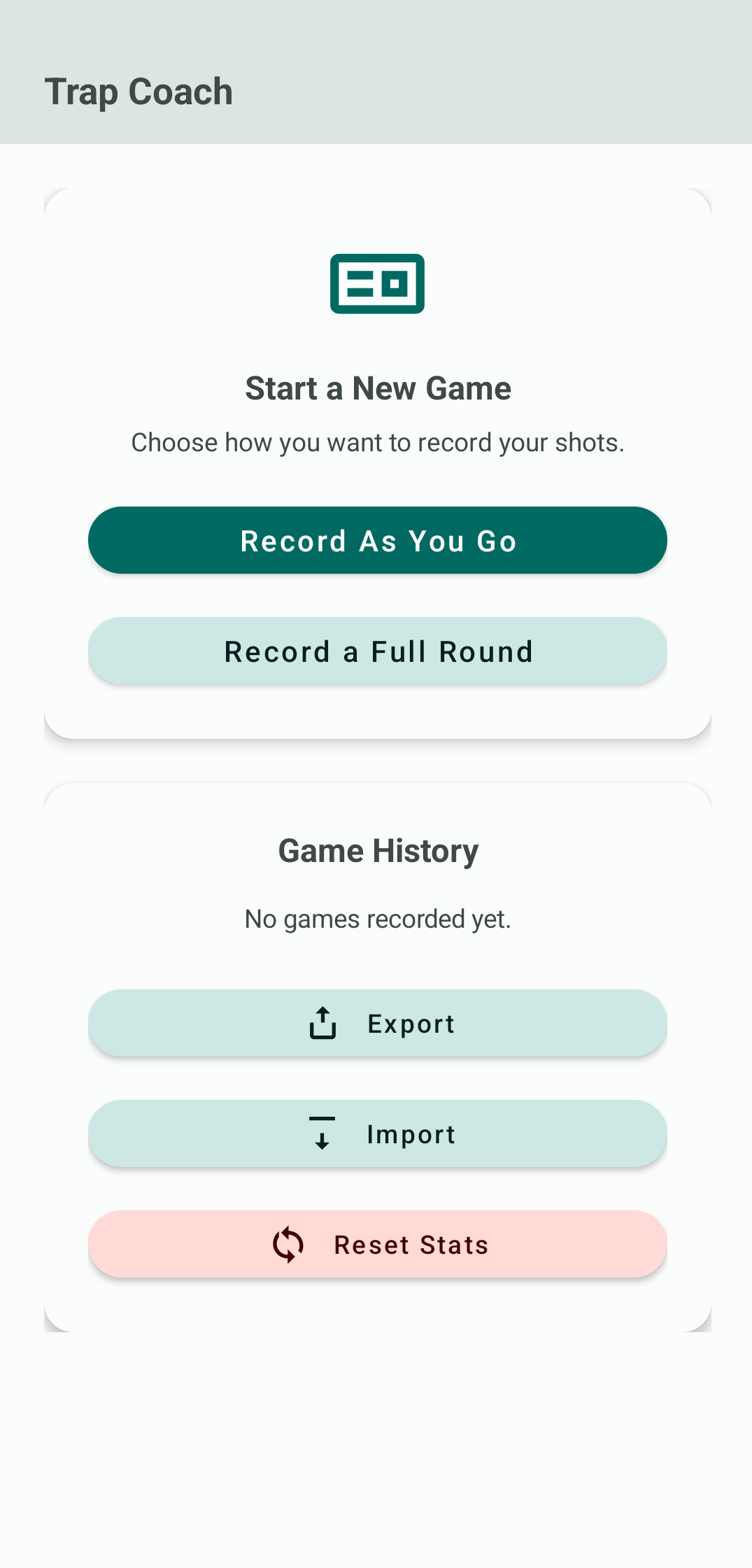
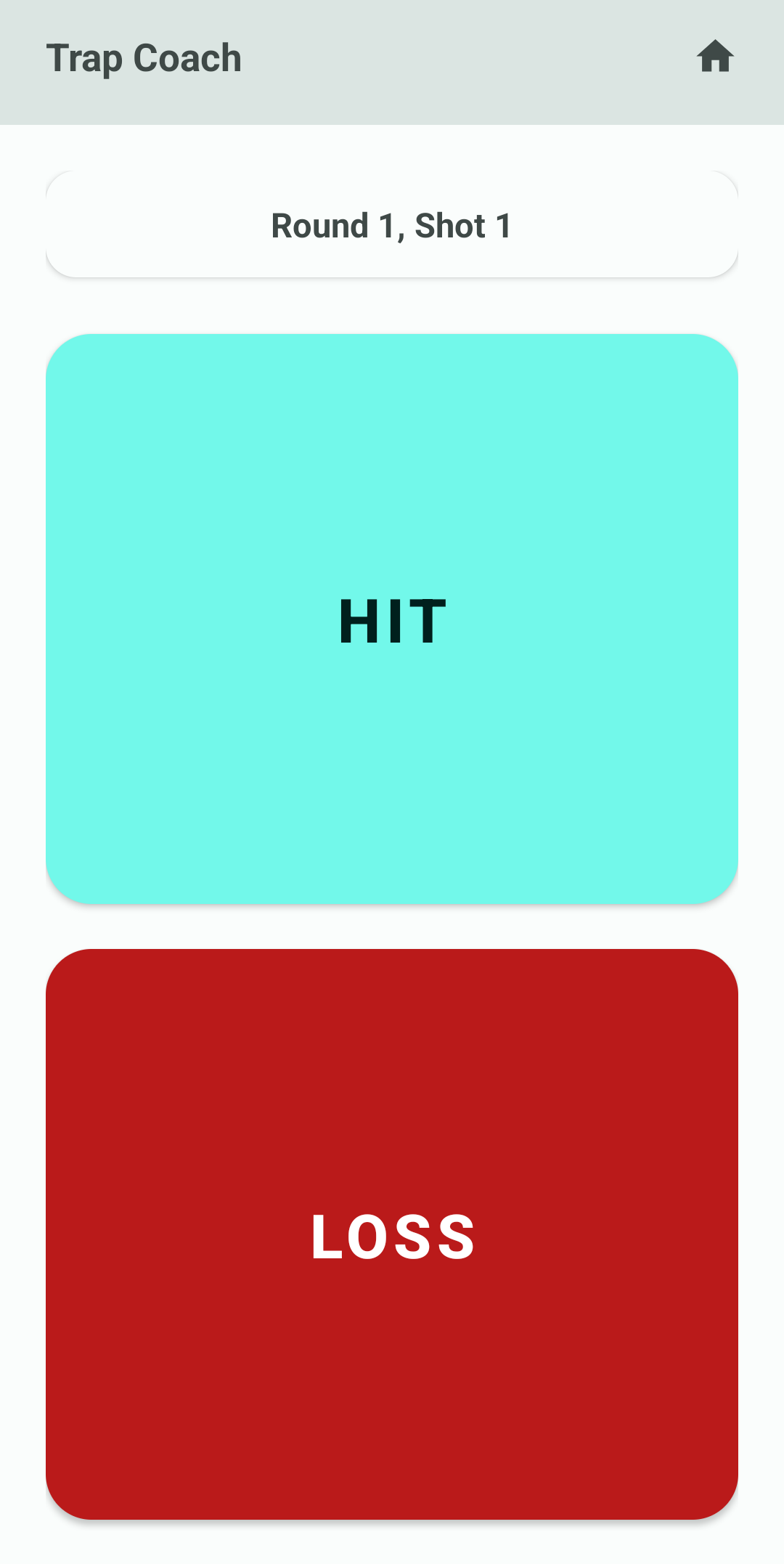
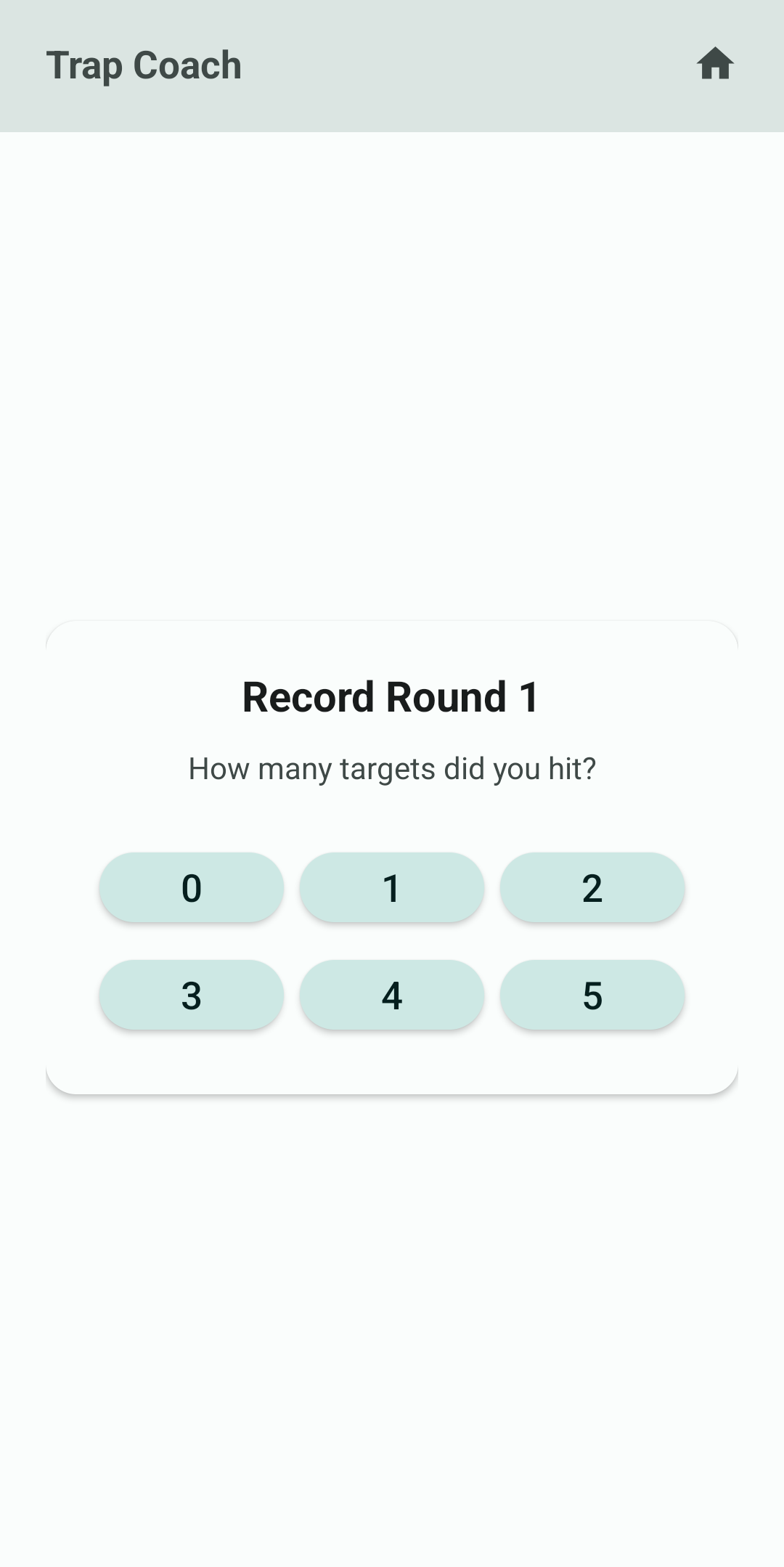
🎯 Core Features
- Two Recording Modes
- Record as You Go — Tap HIT or MISS for every shot and follow the on-screen counter as you move through five rounds of five targets.
- Record Full Round — Enter the total number of hits for the current round in a single tap using quick-select buttons (0–5) that auto-fill the shots.
- Session Summary
- View a breakdown of all five rounds with icon-based shot results and per-round hit counts.
- See the final score out of 25 immediately after saving.
- History & Review
- Every completed game is stored locally and listed on the home screen with date, time, and score.
- Reopen any previous session to revisit the detailed summary.
- Data Import & Export
- Export all recorded games to a CSV file named
trapmaster_log_YYYY-MM-DD.csvfor backup or analysis in spreadsheets. - Import CSV files in the same format to merge data captured on other devices.
- Export all recorded games to a CSV file named
- Maintenance Tools
- Reset stored stats with a confirmation dialog when you need a clean slate.
Installation

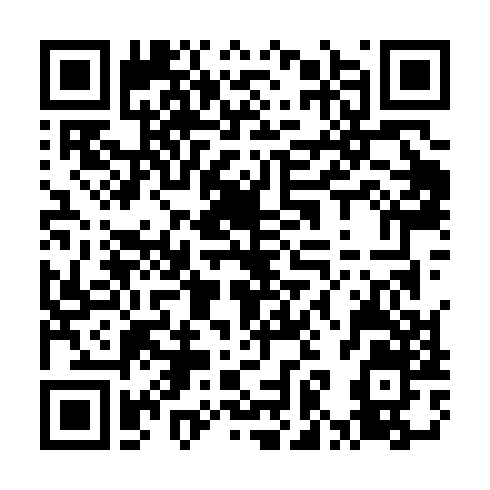
This app is available via the custom F-Droid repo:
https://fdroid.archuser.org/fdroid/repo
Scan to install via F-Droid:
It is also published on the GitHub Releases page:
https://github.com/firebadnofire/trapmaster-android/releases/tag/V1.3.0
🧠 How Data Is Stored
Trapmaster persists game history in SharedPreferences using JSON. Each game stores:
{
  "startTime": "2025-11-11T12:00:00.000Z",
  "rounds": [
    { "shots": [1, 0, 1, 1, 0] },
    { "shots": [1, 1, 0, 1, 1] },
    { "shots": [0, 1, 1, 1, 0] },
    { "shots": [1, 0, 1, 0, 1] },
    { "shots": [1, 1, 1, 1, 0] }
  ]
}
CSV Layout
Exported CSV rows follow the schema below. Imports expect the same structure (header row optional):
game_start_time,round_number,shot_number,result
2025-11-11T12:00:00Z,1,1,1
2025-11-11T12:00:00Z,1,2,0
📱 UI Overview
- Home Screen — Launch a new recording mode, review historical games, or access data tools.
- Record as You Go — Large Material buttons make it easy to capture shots with gloves or under recoil.
- Record Full Round — Grid of rounded buttons for 0–5 hits accelerates entry after each post.
- Summary Screen — Color-coded icons and per-round scoring help identify trends across the round.
Material You (Material 3) color palettes, density-aware padding, and system inset handling keep the UI comfortable on phones and tablets.
⚙️ Technical Notes
- Language & Stack: Kotlin, AndroidX, and Material Components.
- Minimum SDK: 26 (Android 8.0).
- State Management: In-memory game builder objects that persist to JSON-backed
SharedPreferenceswhen a round completes. - File I/O: Uses the Storage Access Framework for CSV import/export with proper MIME filters.
- Testing: Instrumented/UI tests are not included yet; manual testing is recommended after changes.
🚀 Building & Running
- Install Android Studio Giraffe or newer with the Android SDK.
- Clone this repository and open it in Android Studio.
- Sync Gradle when prompted.
- Connect a device or start an emulator running Android 8.0 (API 26) or higher.
- Run the
appconfiguration to install and launch Trapmaster.
To build from the command line:
./gradlew assembleDebug
The resulting APK will be located at app/build/outputs/apk/debug/.
🧾 License
This project is open for personal or educational use. Attribution is appreciated if you reuse or modify the code.
💡 Future Ideas
- Cloud sync for multi-device backups.
- Charts and heatmaps for visual performance trends.
- Dark theme and color customization.
- Wear OS companion for quick shot logging on the wrist.
Author: Archuserorg
Version: V1.3.0
Last Updated: April 2026